01 · iOS App · Badged In
Stay on track with your office days.
Badged In follows your company's policy and keeps the count for you, so you can retire your attendance spreadsheet. No formulas to rebuild each quarter. Time off, holidays and catch-up days are handled.
Free for 14 days, no card needed · No account · iOS 17.6+
Support & FAQ →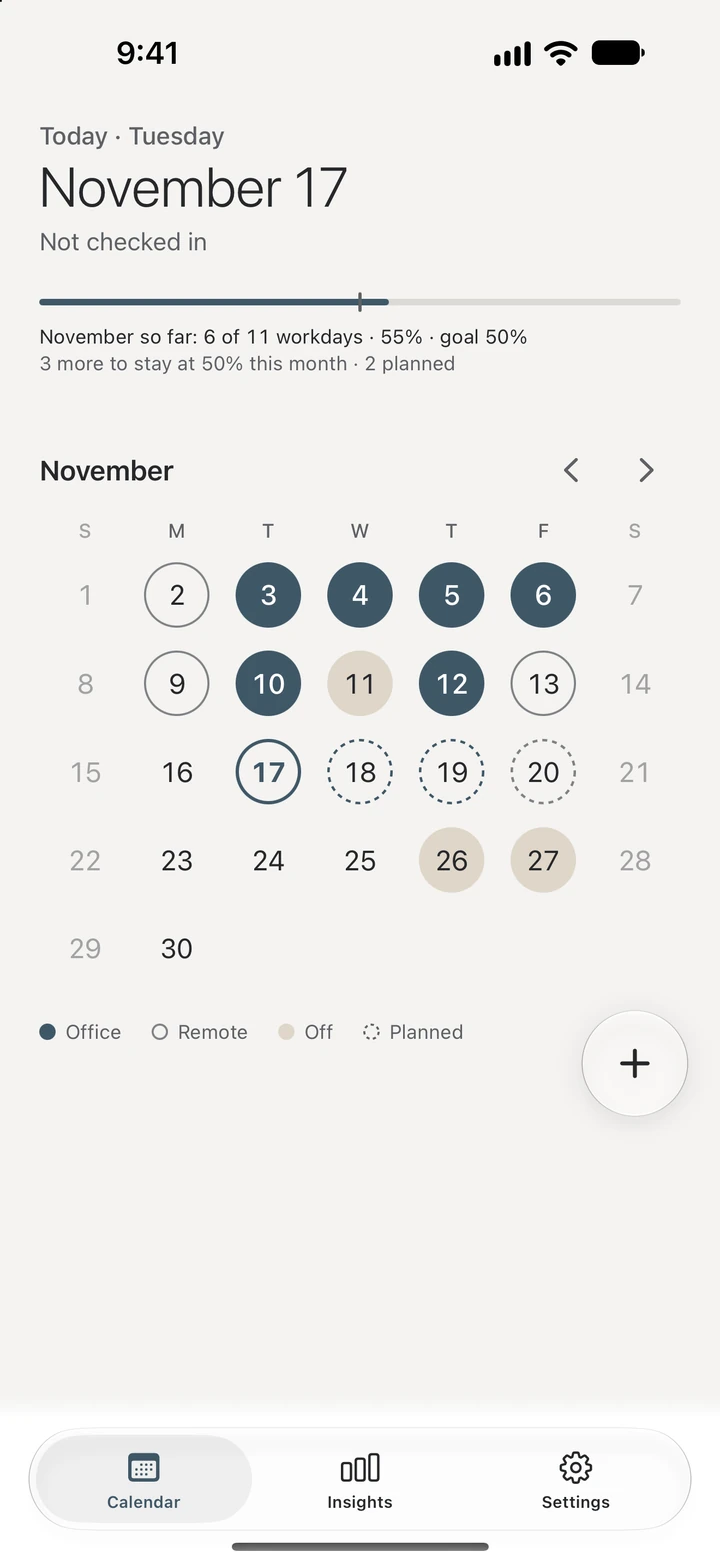
02 · How it works
Set it up once. It keeps count from there.
1 · Tell it your company's policy
Weekly, monthly, quarterly or rolling. Pick the rule your company uses and the weekdays that count.
2 · Go to the office
Badged In checks you in when you arrive. Or check in with one thumb from the + button.
3 · Always know where you stand
See your progress toward your company's goal, what you have planned and how many days are left. Fell behind? Badged In shows how to get back on track.
My company counts by the quarter. Or by the week.
Pick the rule that matches: each quarter, each month, a set number of days a week, or a rolling window like 16 days every 8 weeks.
I'm taking a week off. Will it hurt my numbers?
Mark the whole week in one go. Vacation, sick days and company days off come out of your workdays, so your goal goes down with them.
I missed a few days last month.
When your company's rule lets you catch up, Badged In shows how many extra days you need, and when.
Some days I go in just for the morning.
Turn on half days and log a morning in the office and an afternoon off. Each half counts as half a day.
My vacation is already in my calendar.
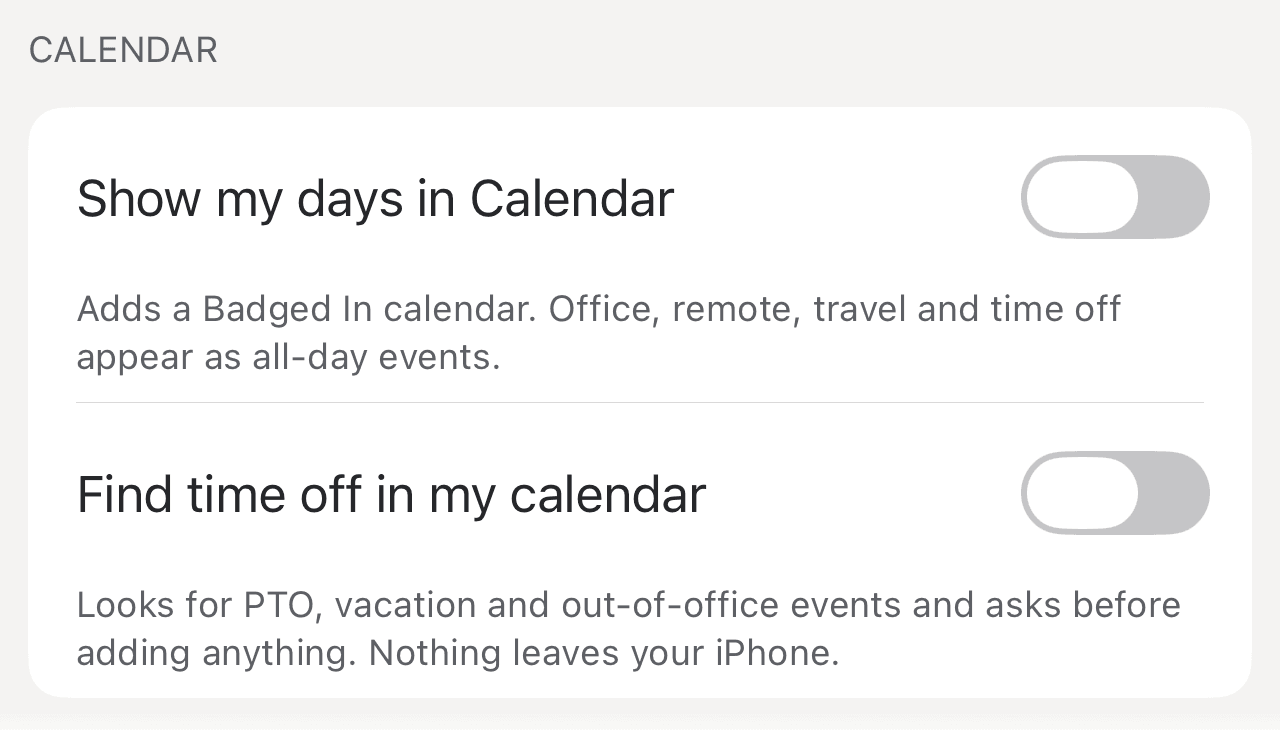
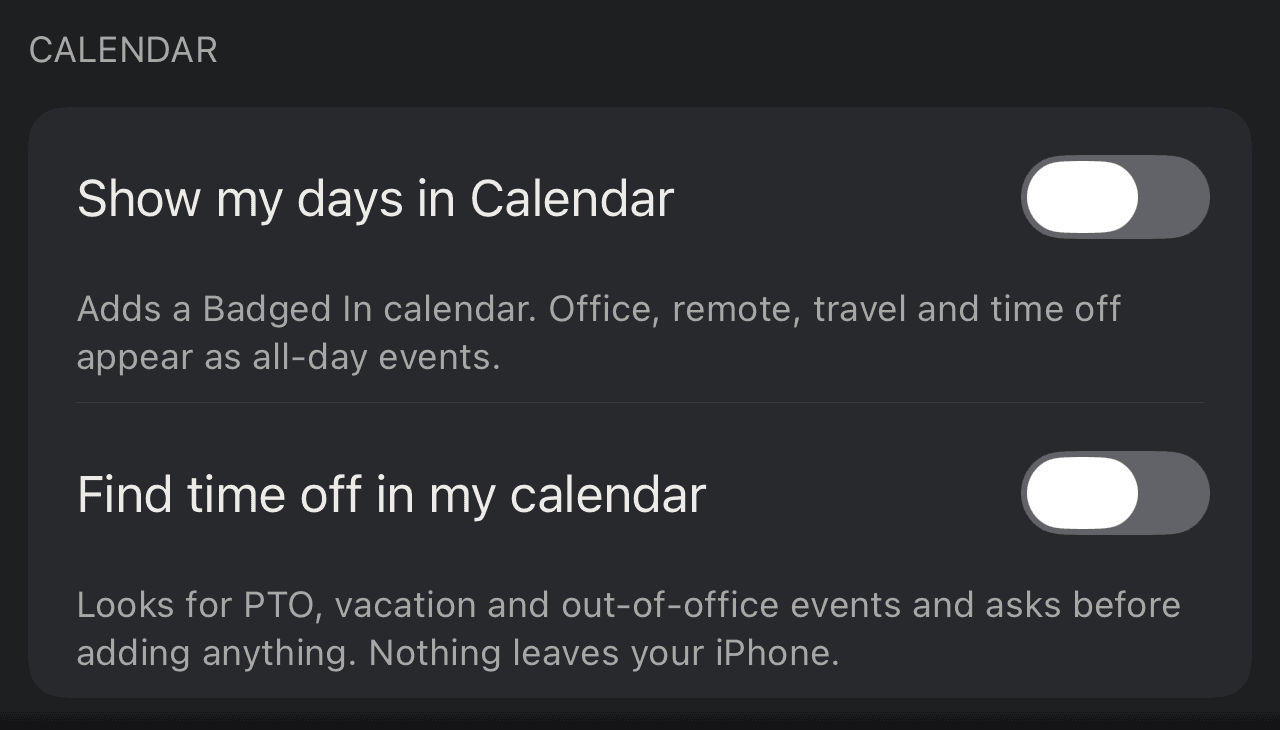
Badged In can find the time off in your calendar and suggest it. Nothing is added until you confirm each day.
03 · What you get
Your office days, without the guesswork.
Real screens from Badged In 1.1.
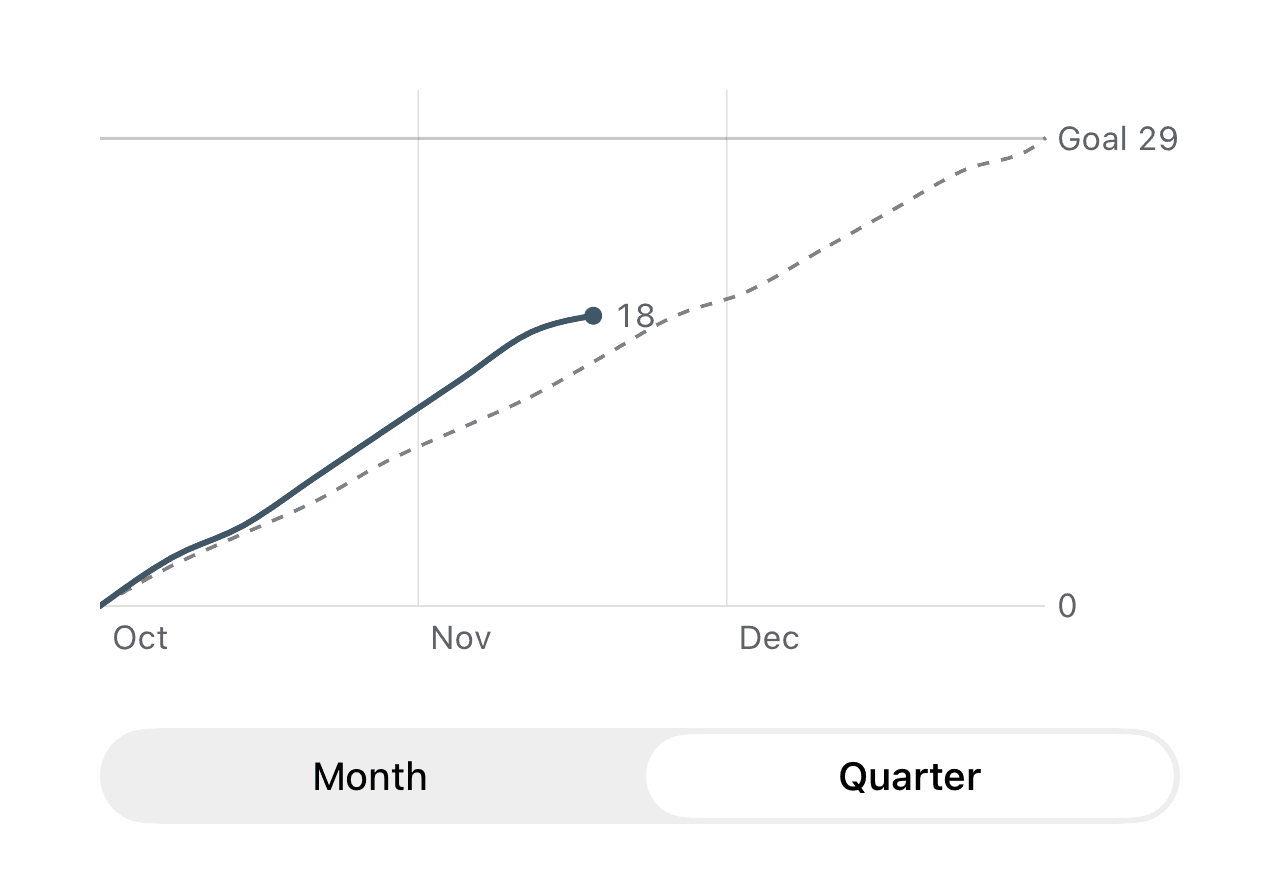
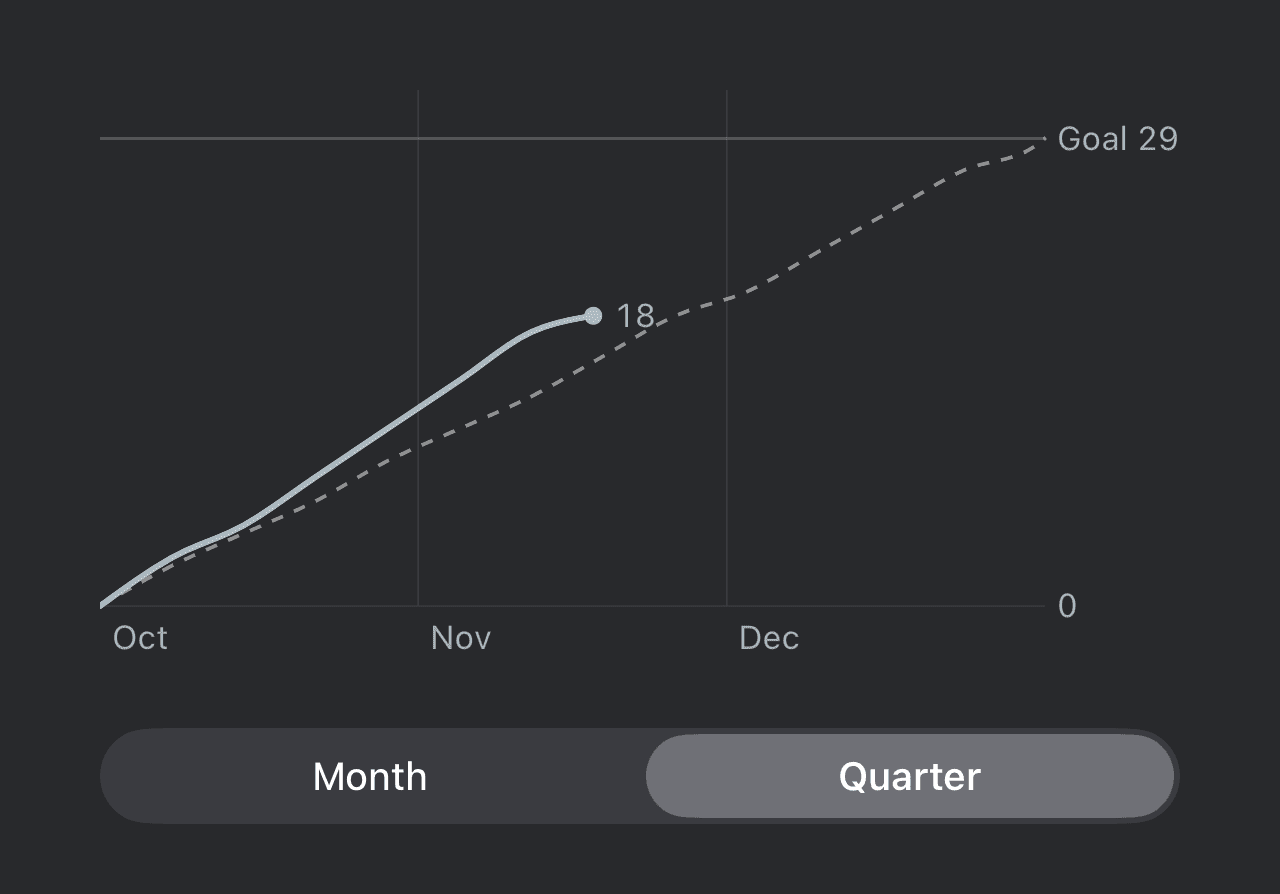
Stay on track with your office days.
See your progress toward your company's requirement at a glance.
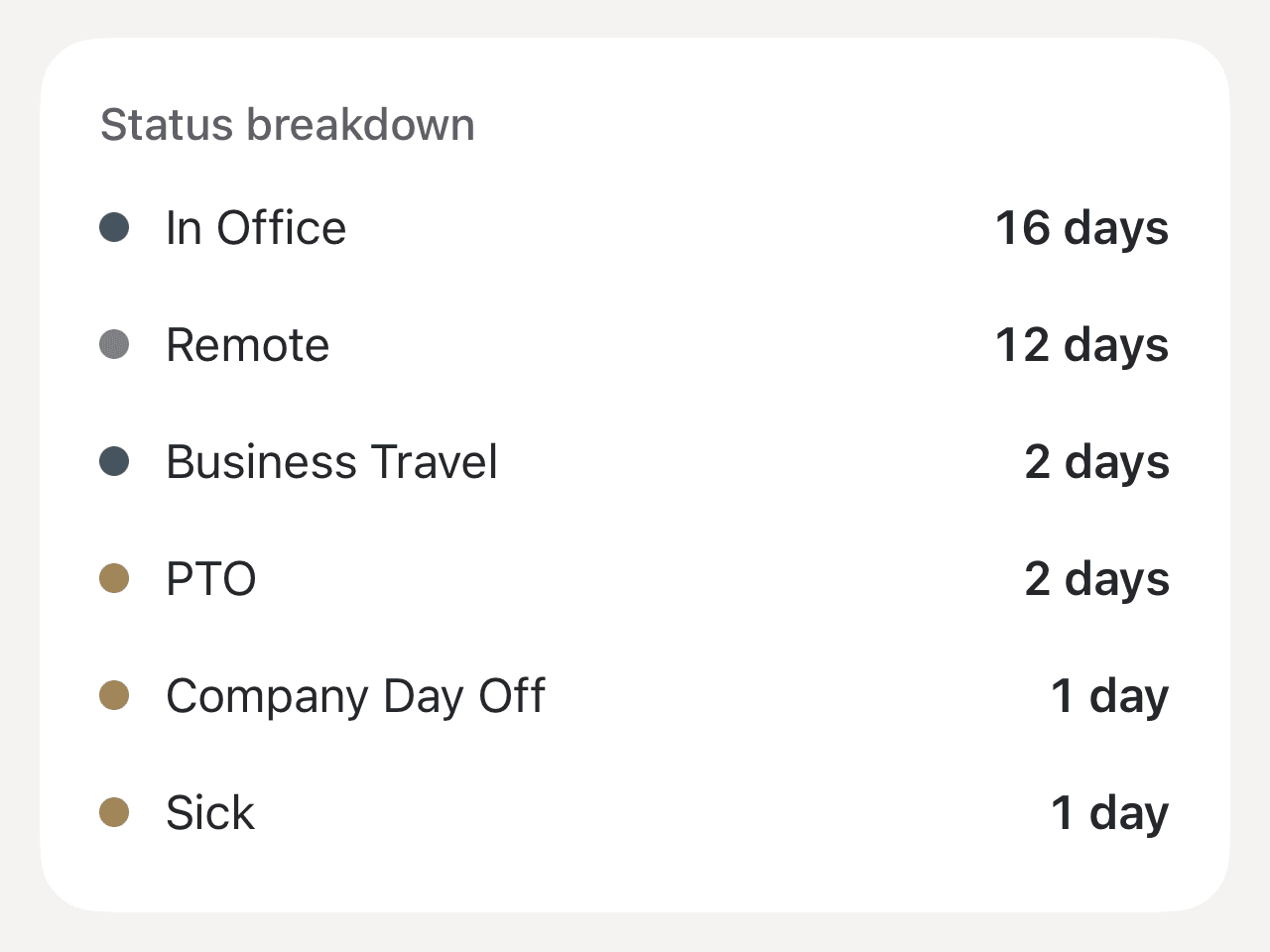
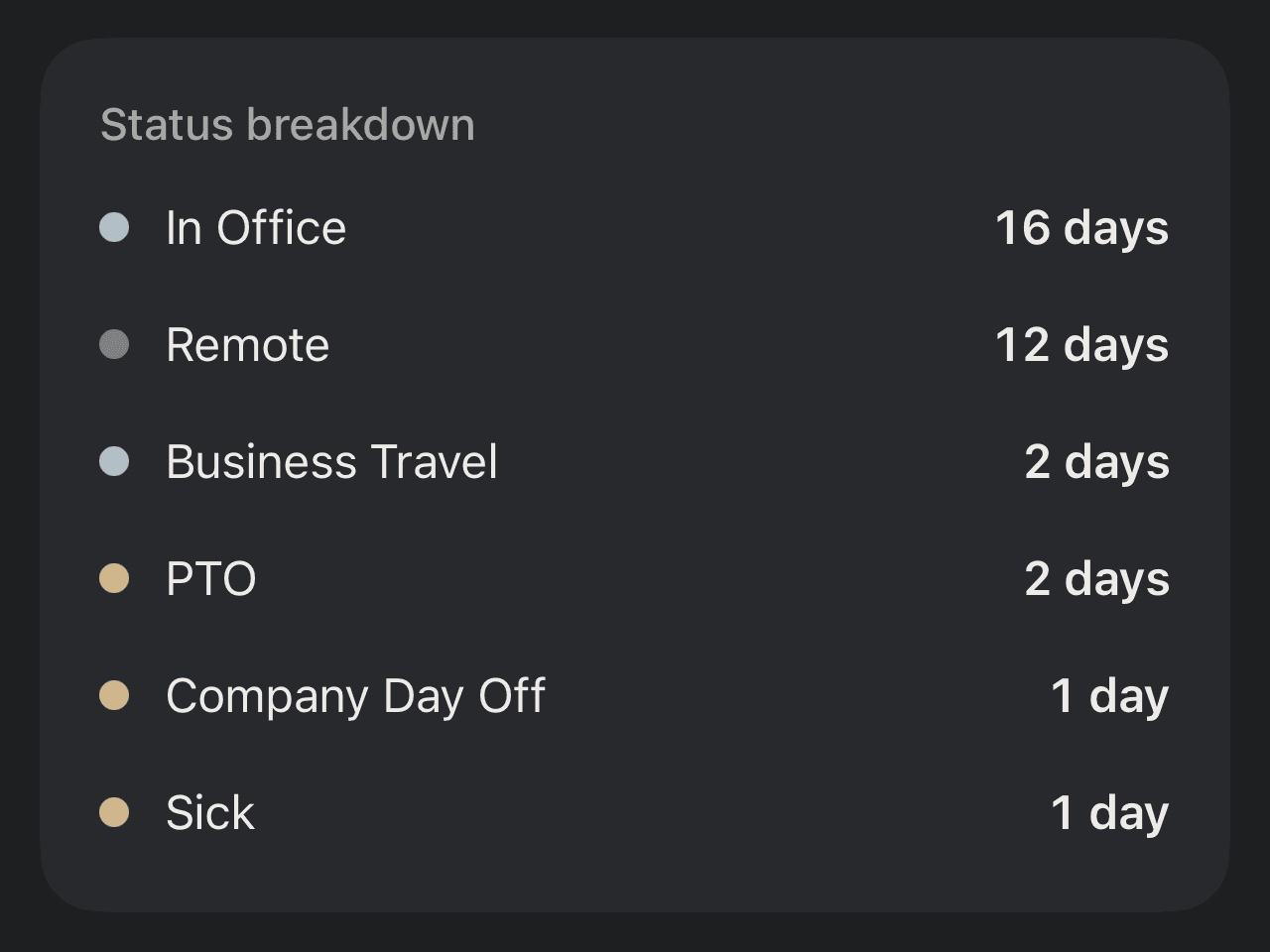
Retire your attendance spreadsheet.
No formulas to rebuild each quarter. Time off, holidays and catch-up days are handled for you.
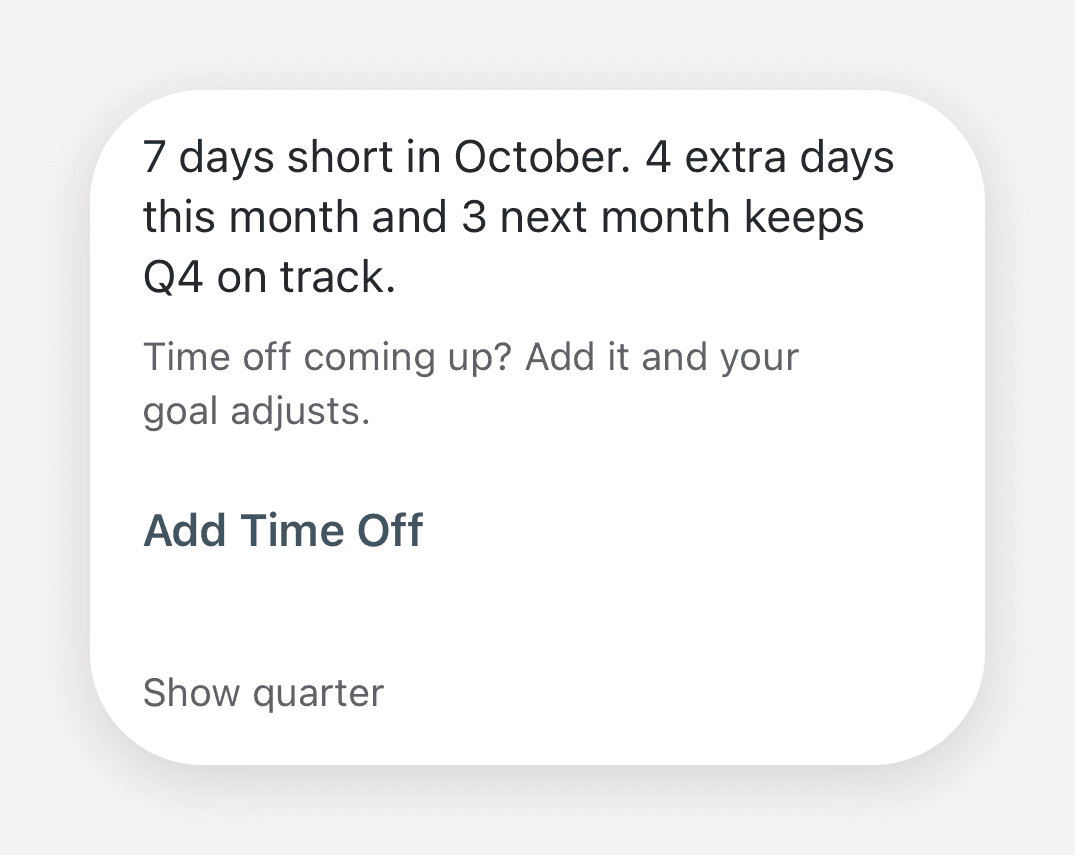
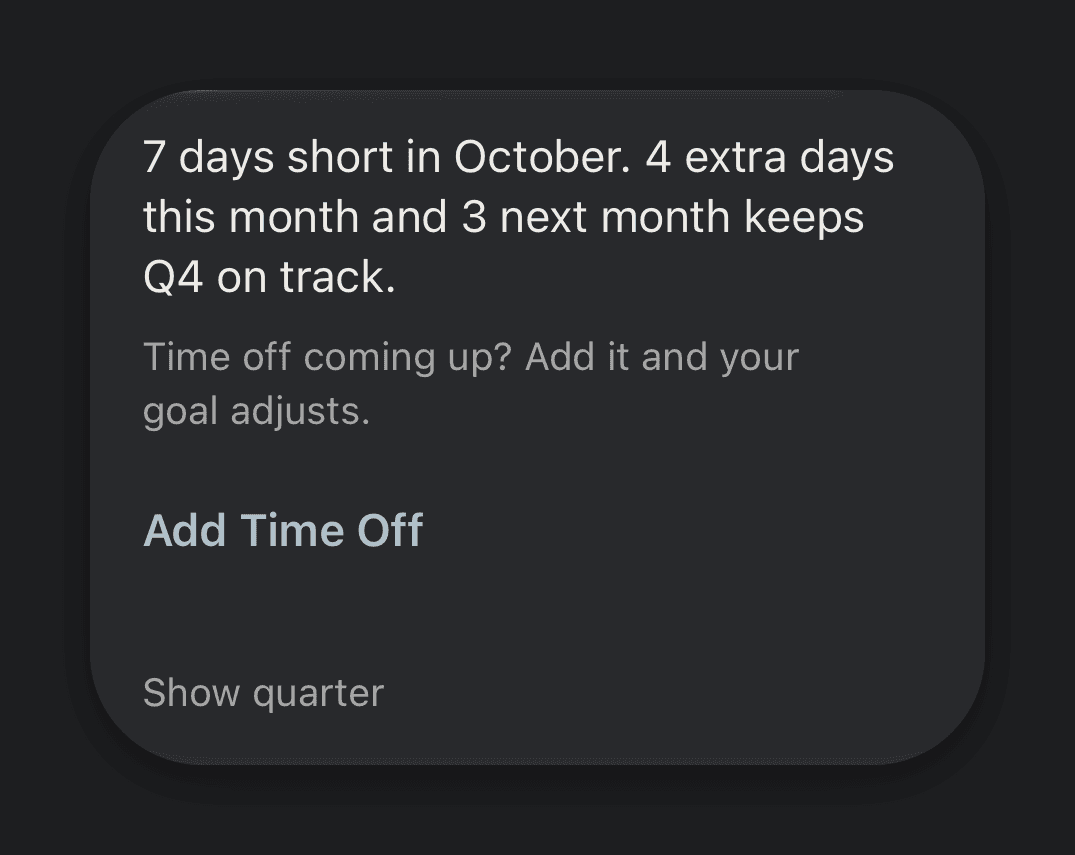
Fell behind? Get back on track.
See how many extra days to make up, and when.
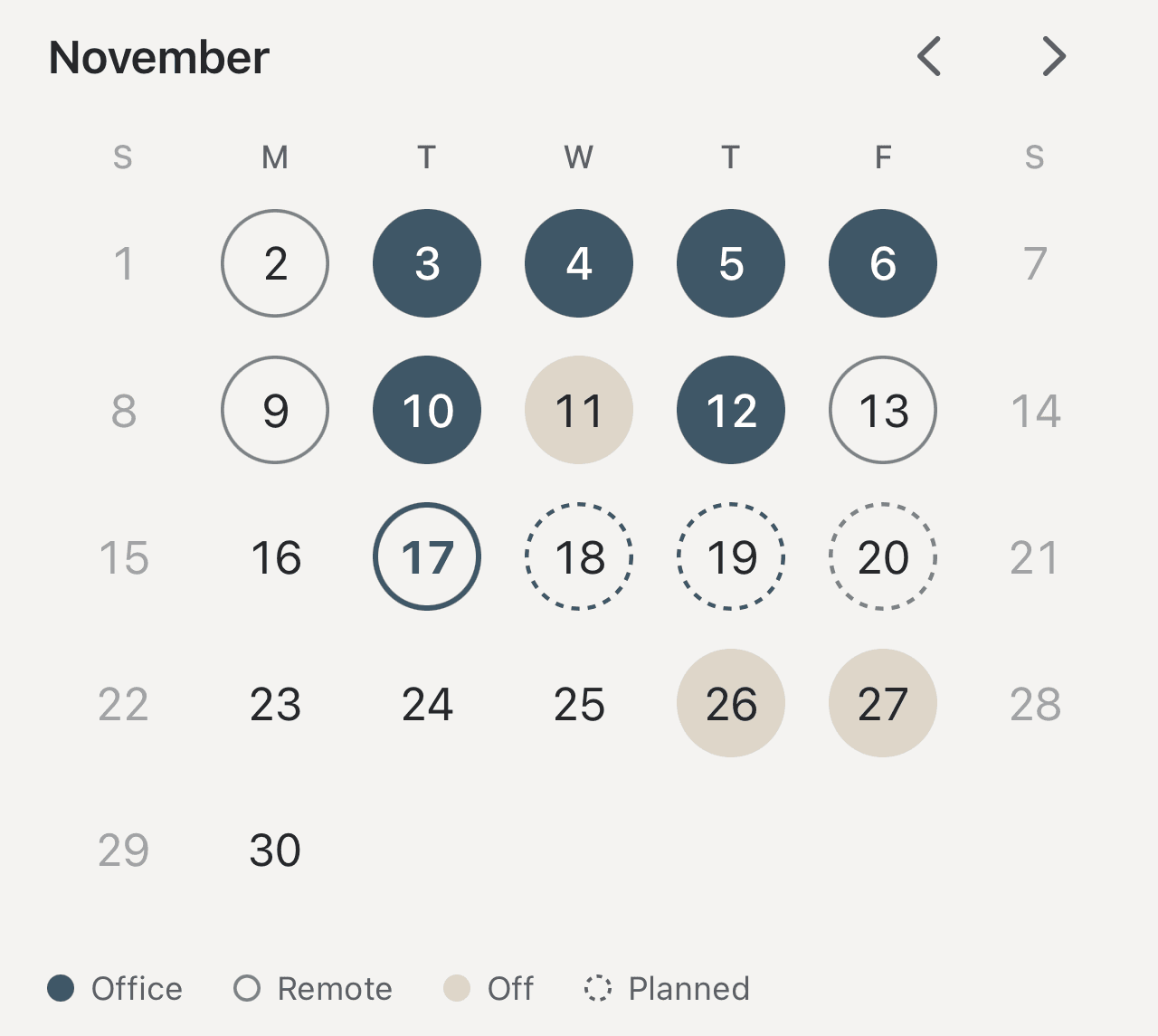
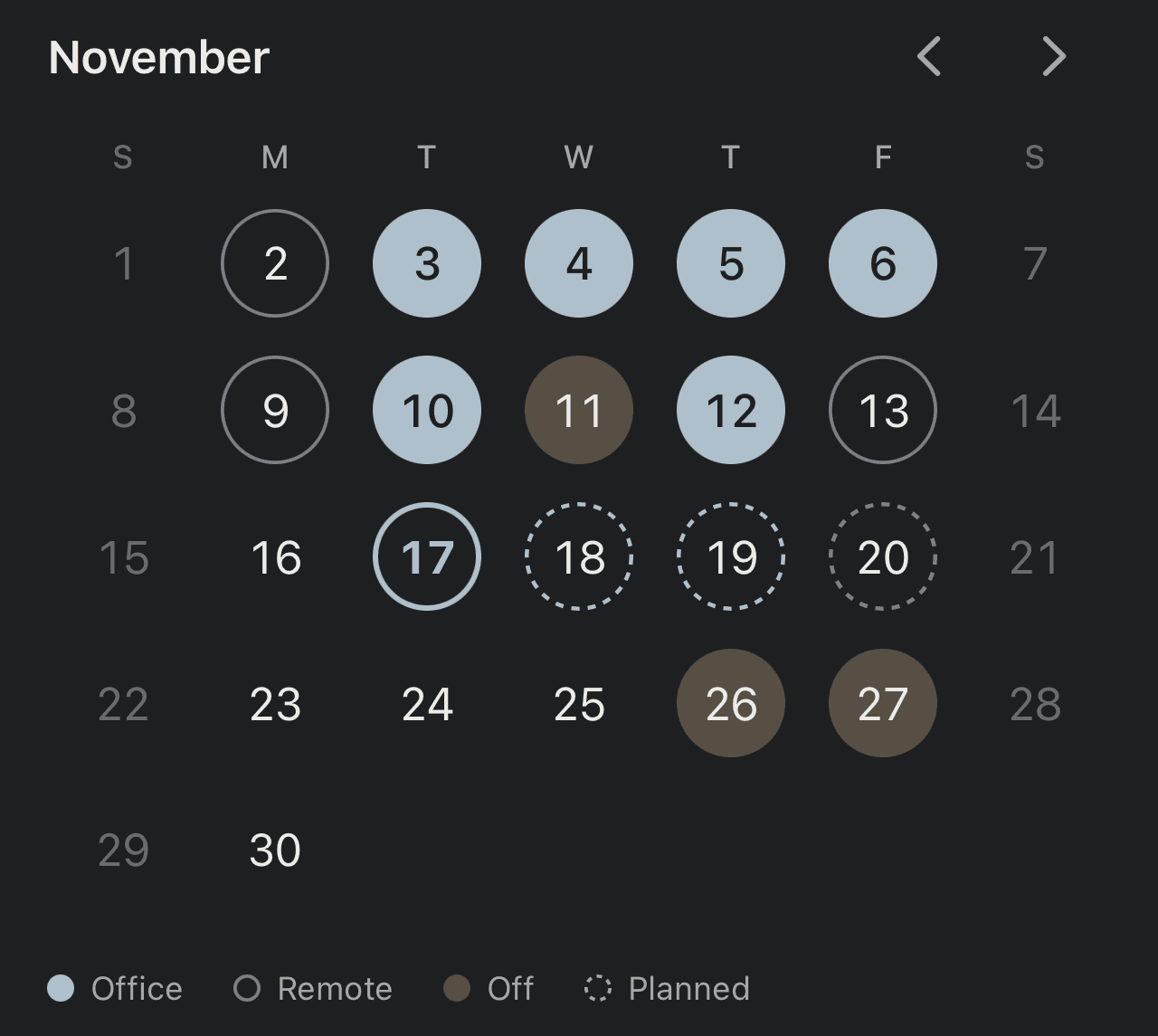
Plan your weeks with confidence.
See what's coming up and how it affects your goal.
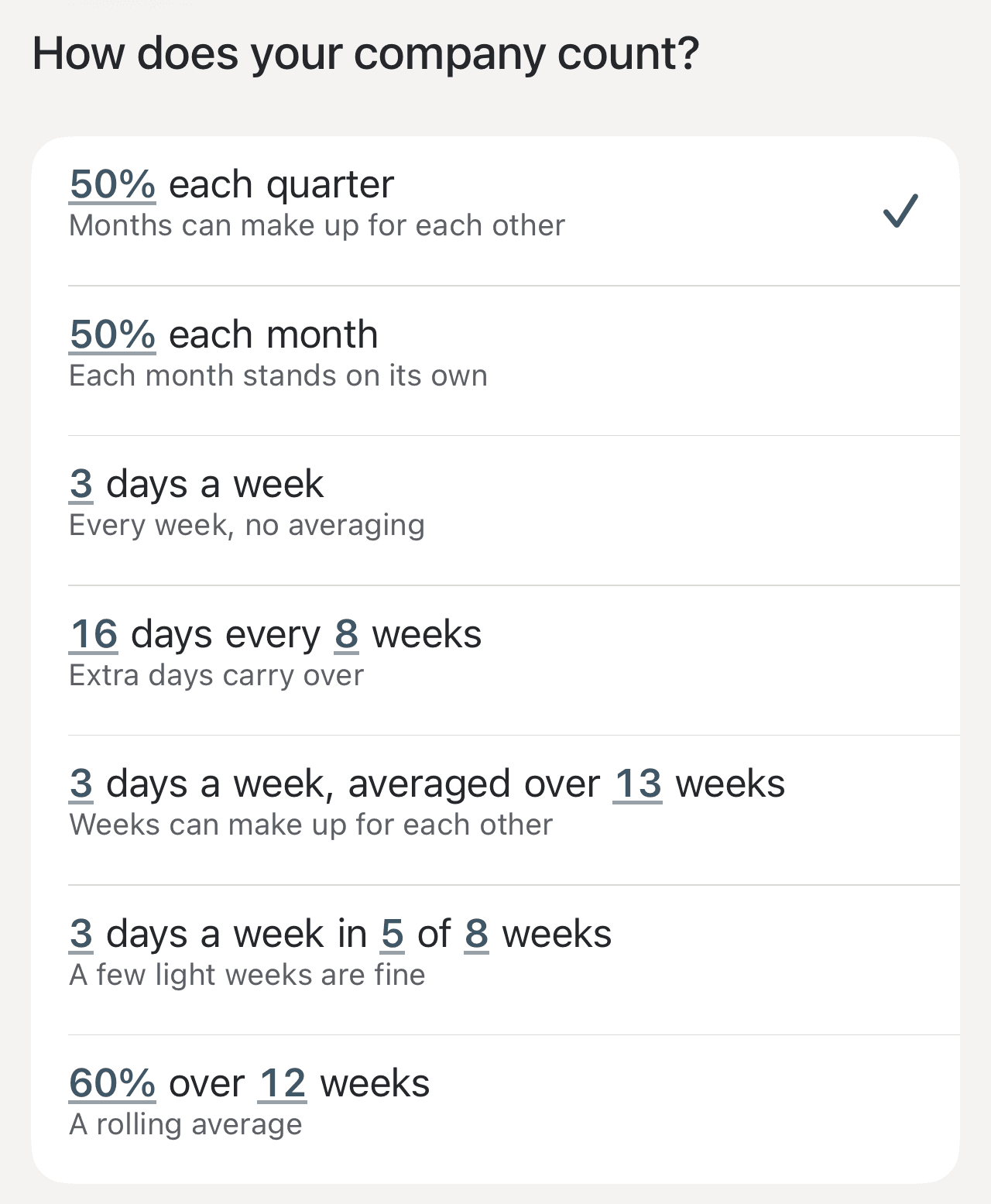
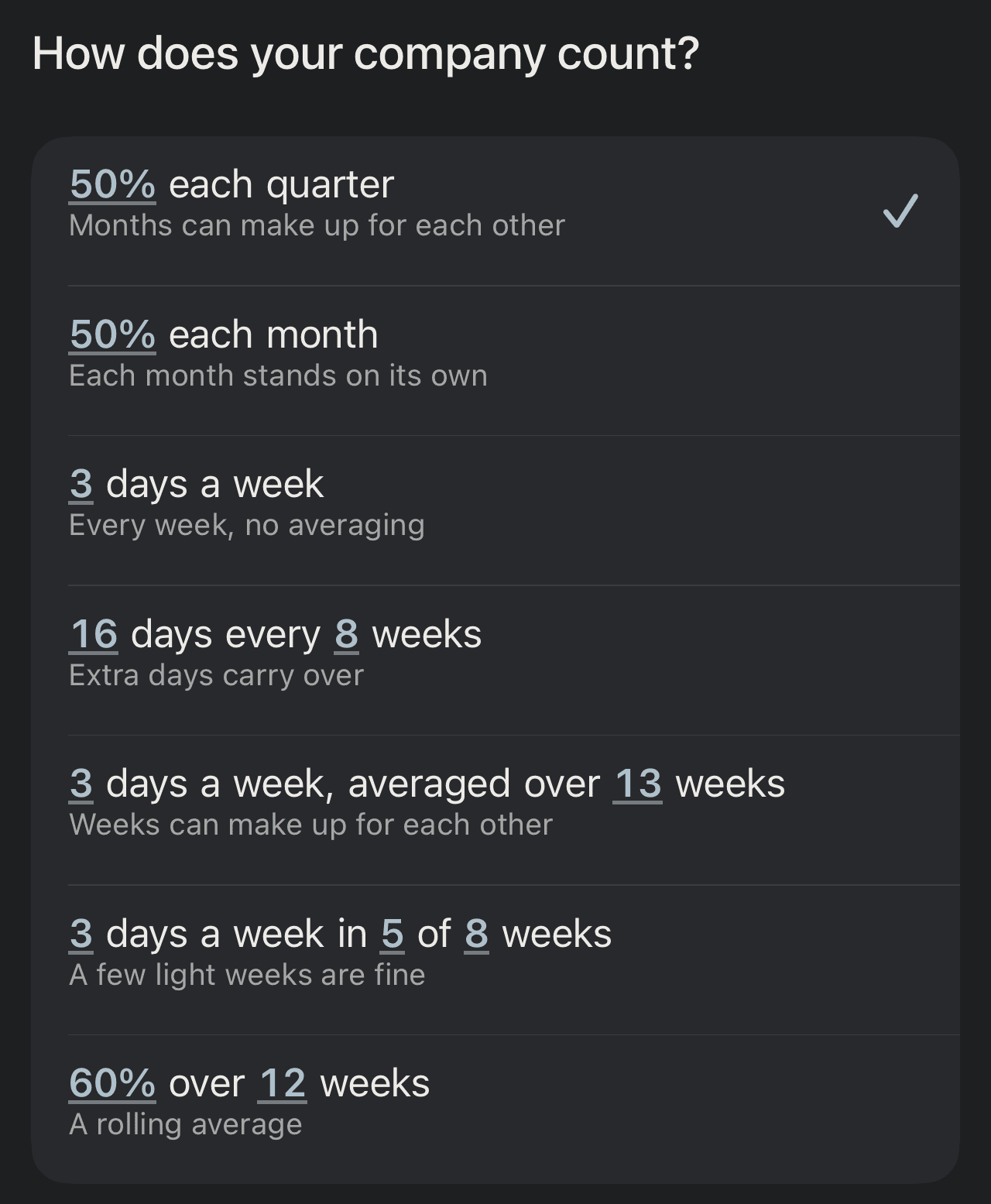
Works with your company's policy.
Weekly, monthly, quarterly or rolling. Pick the rule your company uses.
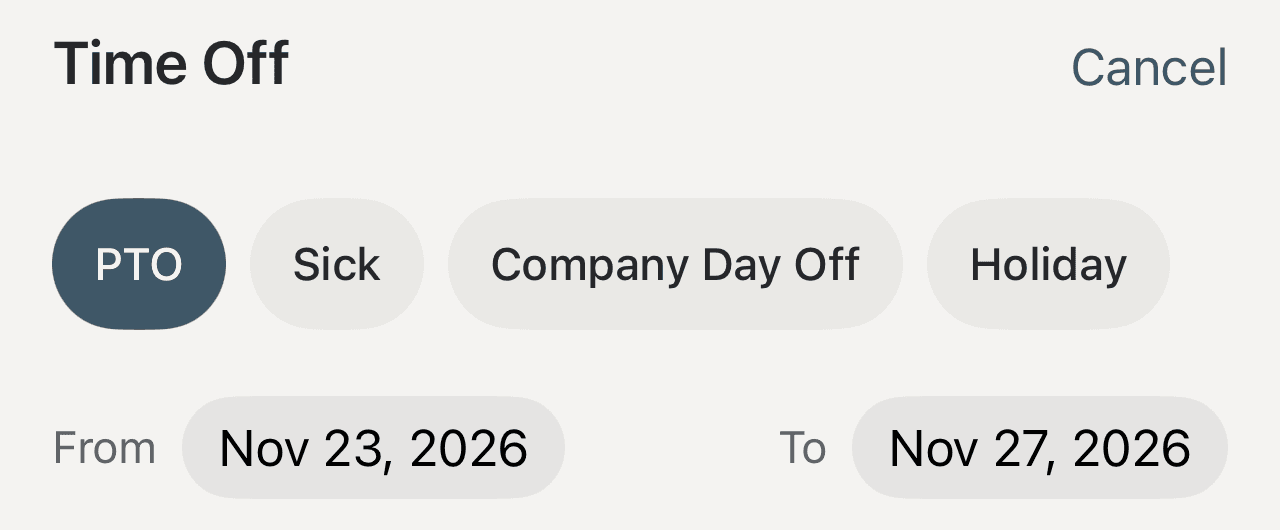
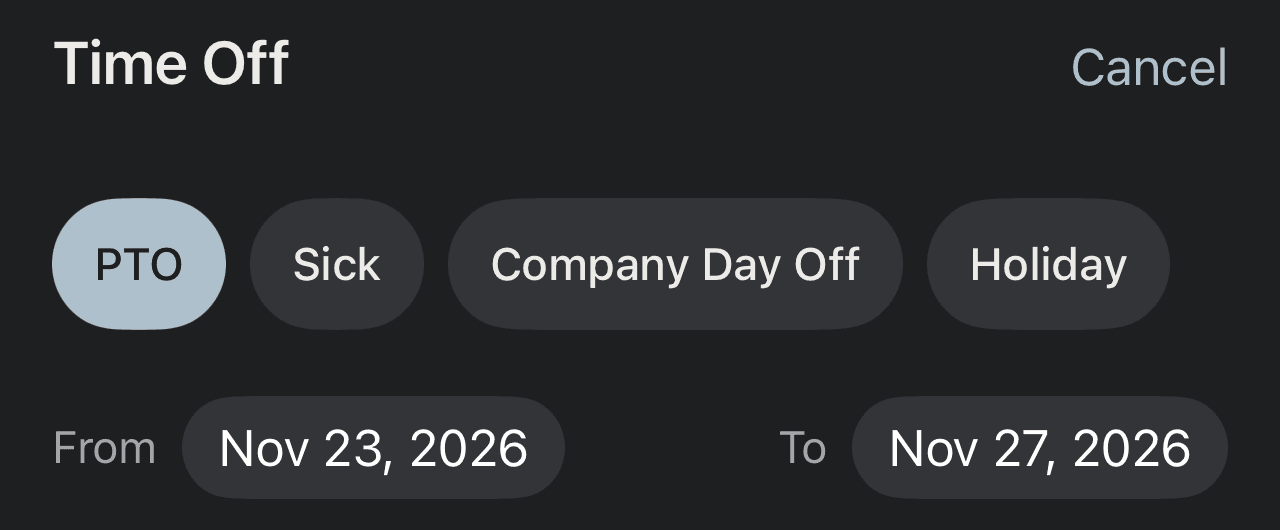
Time off never throws off your numbers.
Vacation, sick days and holidays lower your goal automatically.
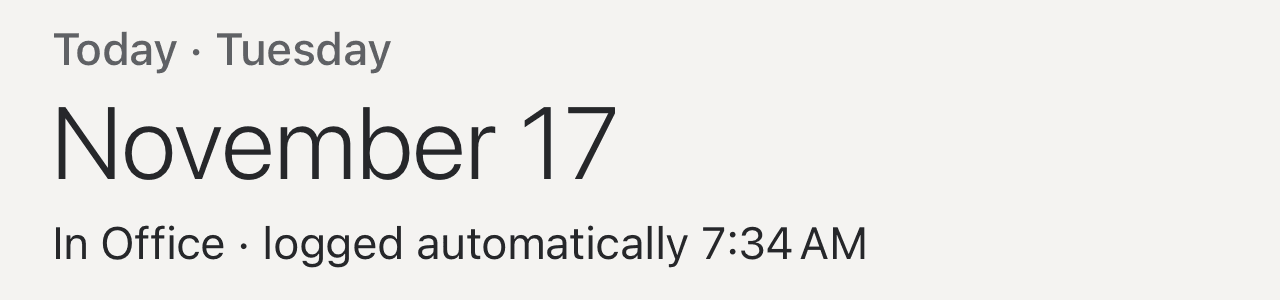
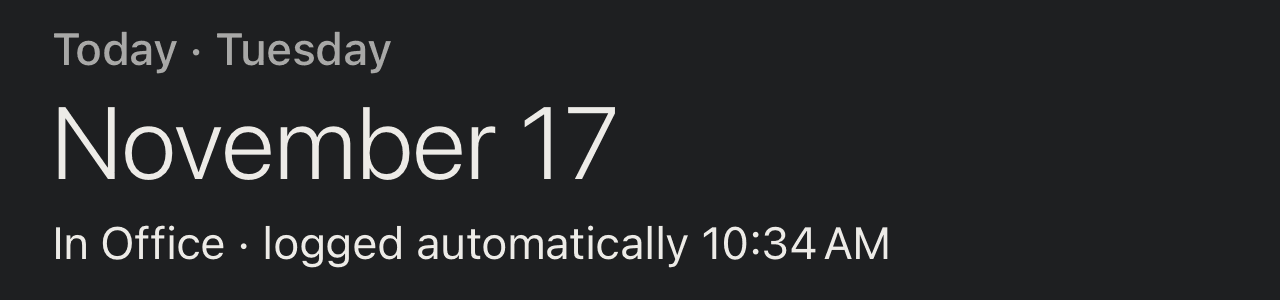
Checks you in when you arrive.
Get to the office and the day is logged for you.
Just for you.
No account. Your office days stay private unless you choose to share them.
Benefit 01 of 08
04 · The details
The details, handled.
Built around real weeks: holidays, half days, vacations and mornings when your hands are full.
Finds the time off in your calendar
Badged In can spot vacation and out-of-office events already in your calendar and suggest them as time off. You confirm each one.
Half days count as half days
In for the morning, off in the afternoon? Log each half and your numbers stay exact.
Holidays already in
Public holidays for 11 countries are built in. Add your company's own days off and they never count against you.
Your number at a glance
Home Screen and Lock Screen widgets show where you stand without opening the app.
Just ask Siri
Say "I'm at the office in Badged In," or ask "How are my office days in Badged In?" Siri logs the day or reads your numbers, with no app to open.
Your records, ready to share
Export a PDF report, a CSV or a full backup whenever you need a record of your attendance.
05 · Pricing
Try it free for 14 days, with full access.
No card needed, and nothing renews. Keep logging with Premium. Your history is always yours to view and export.
Premium
$2.99per month
$19.99/year (save 44%)
Lifetime: $29.99 (pay once)
- Keep logging after the trial: office days, time off, half days and plans
- Checks you in when you arrive
- Home Screen and Lock Screen widgets
- Siri and Shortcuts
- Time-off suggestions from your calendar
- Daily and monthly reminders
- Restore from a backup
The 14-day trial starts when you start using Badged In. Subscriptions renew until you cancel, and you can manage them in your App Store account.
Always know where you stand.
Badged In is on the App Store. Free to download, with 14 days of full access.